You might find yourself searching on Kagi and wishing you could limit the results to only the sources you actually trust or find useful for a specific query, like forums, academic journals, or programming sites. That's exactly what Lenses are designed for!
What are Lenses?
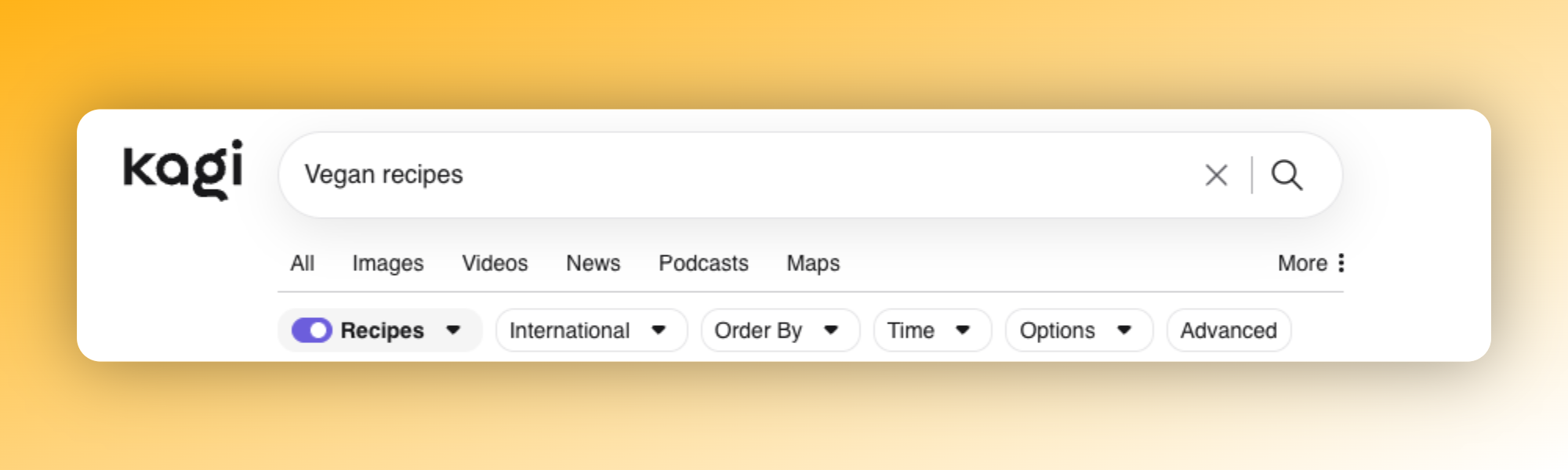
Lenses are a powerful way to customize your searches by specifying which websites and parameters appear in your results. You can learn more about using them here.
Think of them as a custom filter for the web. Instead of sifting through thousands of irrelevant sites, a Lens focuses your search on a curated set of domains that matter to you. For example, activating the Programming lens limits your results to official language documentation and coding forums, while the Forums lens surfaces results from online communities like Reddit.
Why are they useful?
They help you cut through the noise! A Lens lets you skip straight to results from relevant sites you actually want to see for specific queries.
They're also incredibly flexible. Kagi comes with several built-in Lenses to get you started: like Forums, Programming, Academic, News 360, Small Web, and PDFs to name a few, but you can also create fully custom Lenses tailored to your exact needs.
Tip: You can use the community-created OpenKagi platform to discover and share custom Lenses made by other Kagi users.
When would you enable a Lens?
| Purpose | Lens | What it does |
|---|---|---|
| Searching community discussions | Forums | Shows results only from online communities and forums |
| Looking for coding help | Programming | Limits results to official docs and coding forums |
| Finding quality recipes | Recipes | Surfaces results from high-quality, spam-free recipe sites |
| Researching academic topics | Academic | Shows results from academic institutions and scholarly sources |
Beyond these built-in options, you can create Lenses for virtually anything, from Steam game searches to 3D printing model sites to real product reviews.
What users are saying about Lenses
"Kagi has this amazing feature called Lenses that you can create and customize to what you are looking for. So you can run the same search to different lenses to refine the results. " - Eric Jeker
"Came for the ad-free, stayed for the lenses" - Sky
"I've created a lens for finding 3D printing files. Before I would search the same thing on 4-6 different sites, now I can use my custom lens and bang to do it in one easy search!" - Dasonic
"I regularly use the Forums and Fediverse Forums lenses. They're a good alternative to typing site:reddit.com when I want to see discussions between real people." Grindle
"As an academic researcher and teacher, academic lens is my life" - Timeless
Getting started with custom Lenses
Creating a custom Lens is as simple as giving it a name and specifying the domains or parameters you want to include.
You can manage all your Lenses from the Lenses Settings page, where you can enable, disable, or tweak them to suit your needs. Only enabled Lenses will appear in the dropdown while searching.
This video walks you through creating Lenses and explores practical use cases: