Ever find yourself searching Kagi, then mentally filtering through results to find the one from that specific site? There's a better way. Kagi Snaps let you scope your search to a single website in just a couple of keystrokes.
What are Snaps?
Snaps let you limit your Kagi search results to a specific website by typing the @ symbol followed by a short code and your query.
A few examples:
@r headphones→ Kagi results only from Reddit@so python async→ Kagi results only from Stack Overflow@w quantum computing→ Kagi results only from Wikipedia
It's like instructing Kagi: "Search normally, but only show me what this one site has."
If you're ever unsure whether a site has a snap code, just try @ followed by whatever abbreviation feels obvious. The library is broad, and you'll be surprised how often your first guess is right:
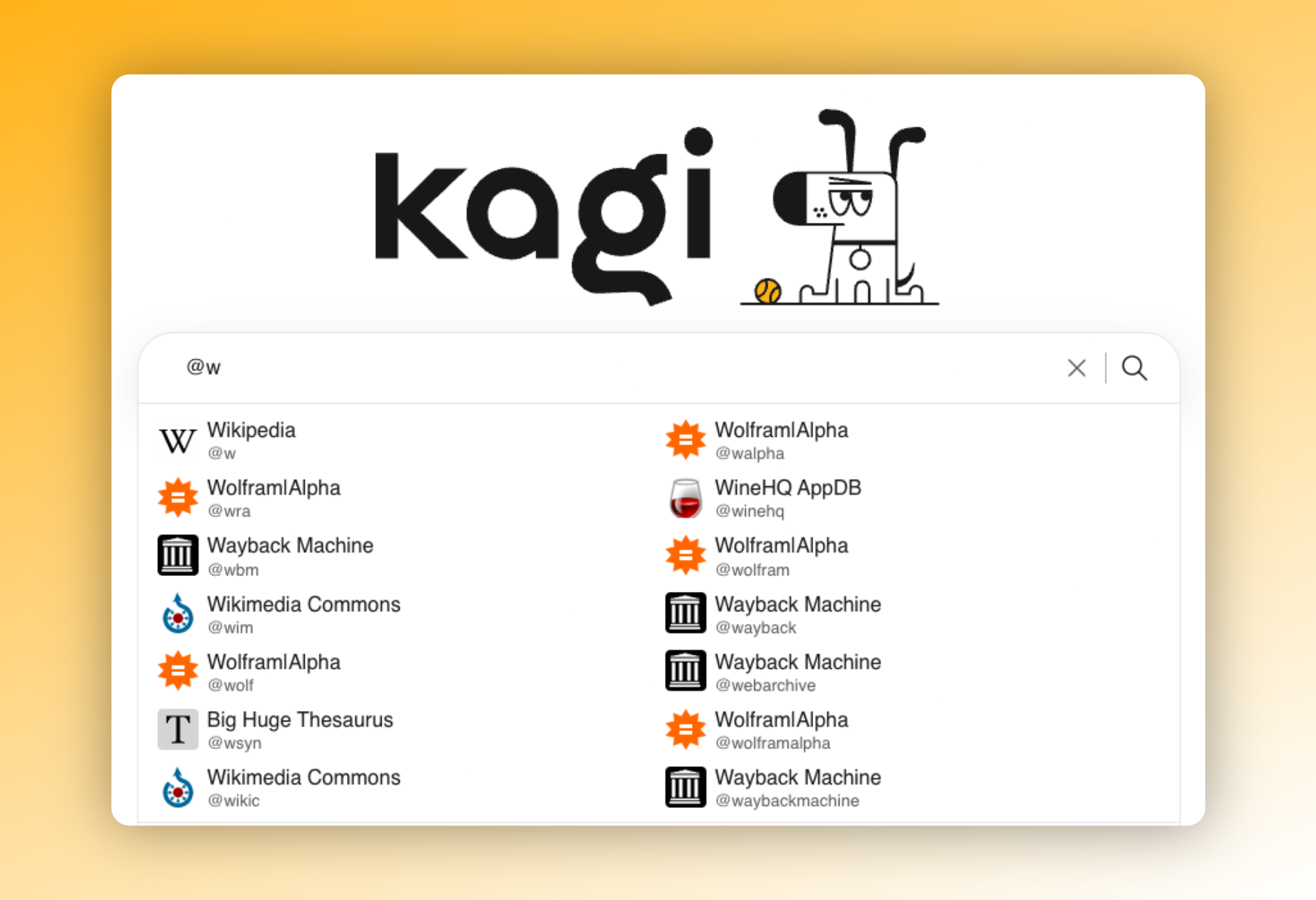
The short codes used in Snaps are also the same as those used in our Bangs feature. You can view the community-created Kagi Bang explorer for a full list, and add your own here.
FAQ: "Is there a reason to use Snaps over Bangs?"
Bangs (!) redirect you to a third-party site's own search. You leave Kagi entirely. This is useful when you specifically need that site's native interface, and as a bonus, bang searches don't count towards your Kagi search usage.
Snaps (@) keep you inside Kagi and limit your results to a specific site. You still get all of Kagi's benefits, just scoped to one domain. This often gives you better results than the site's own search would.
The short answer: use snaps when you want Kagi's search quality focused on a specific site, and bangs when you actually need to land on the external site itself.
Tips for building the habit
The real trick is to just start using them. Pick the five or so sites you find yourself searching the most and commit their short codes to memory. It sounds like effort, but after a few days of typing
@instead of clicking around multiple filters or search operators, it becomes a quicker, more intentional way to search when you already know where your answer lives.As noted earlier in the post, lean on autocomplete. You don't need to memorize every code upfront. Typing
@followed by even a couple of letters surfaces suggestions, so snaps discovery is built right into the search bar.You can also use Snaps to quickly search within Kagi's knowledge base. For example, the
@helpsnap searches the Kagi help docs, handy for when you want to quickly look into a feature.
User tip: "I recommend combining Snaps with the "I'm feeling lucky" bang: ! with no short code. Like searching @gh curl ! to go to the curl repo.
Think of Snaps as bookmarks for search context. Whenever you already know where your answer lives, a Snap gets you there faster than a general query followed by manual filtering.
See Snaps in action
This is a quick video demo showing how Snaps work, using our help docs as an example: