What is the Small Web?
While there’s no single, perfect definition, we like to define the Small Web as personal blogs, independent videos, webcomics, and other authentic spaces created for non-commercial purposes, usually for self-expression or community building. Basically, sites in the Small Web exist to share and entertain, not manipulate algorithms or boost corporate interests. (And they’re really fun to browse at random!)
Kagi’s Small Web initiative is stocked with sites like this, accessible both as a dedicated Small Web browsing experience and mixed in where relevant as part of our regular search results.
This video is a great way to learn what makes the Small Web so special:
Introducing Browser Extensions, Mobile Apps & Categories

As we noted above, Small Web, the non-commercial part of the internet made by real people, has always been at the heart of what we do at Kagi.
Today, we're adding to the Small Web experience with new browser extensions, mobile apps, and all-new categories, making it easier than ever to discover interesting and authentic human spaces online.
Categories
Finding great Small Web content that scratches your browsing itch can feel overwhelming, especially when the feed is a single stream that tumbles through over 30,000 featured sites. That's why we've introduced categories, curated groups of topics that let you dive into the corners of the Small Web that interest you most.

Head to the Small Web, choose a category from the dropdown menu, and Kagi will take care of the rest. Just like before, each time you click the Discover or Next Post button a new Small Web site will be loaded. When you select categories, only sites from these topics will be featured, letting you stick to your preferred flavor of content for a more personalized experience. Whether you're in the mood for an essay, gaming content, photography, art, or outdoors adventures, categories help you get there faster without losing the serendipity that makes the Small Web so special.
Browser Extensions + Mobile Apps

The browser extensions and mobile apps put a new spin on the Small Web. It’s the same experience you know and love, but with an expanded, dedicated interface and some new features to aid in browsing and accessibility.
New in extensions + mobile apps:
- Save your favorite Small Web content
- Select content by type, such as videos, comics, or code repositories
- See a list of recently viewed or highly-appreciated sites
- Distraction-free reader mode
- Accessibility support for a dyslexia-friendly font and text-to-speech
Check out categories in the browser version of the Small Web by clicking the icon next to the search box at the top of the screen. Categories are also in the mobile apps and browser extension interface.
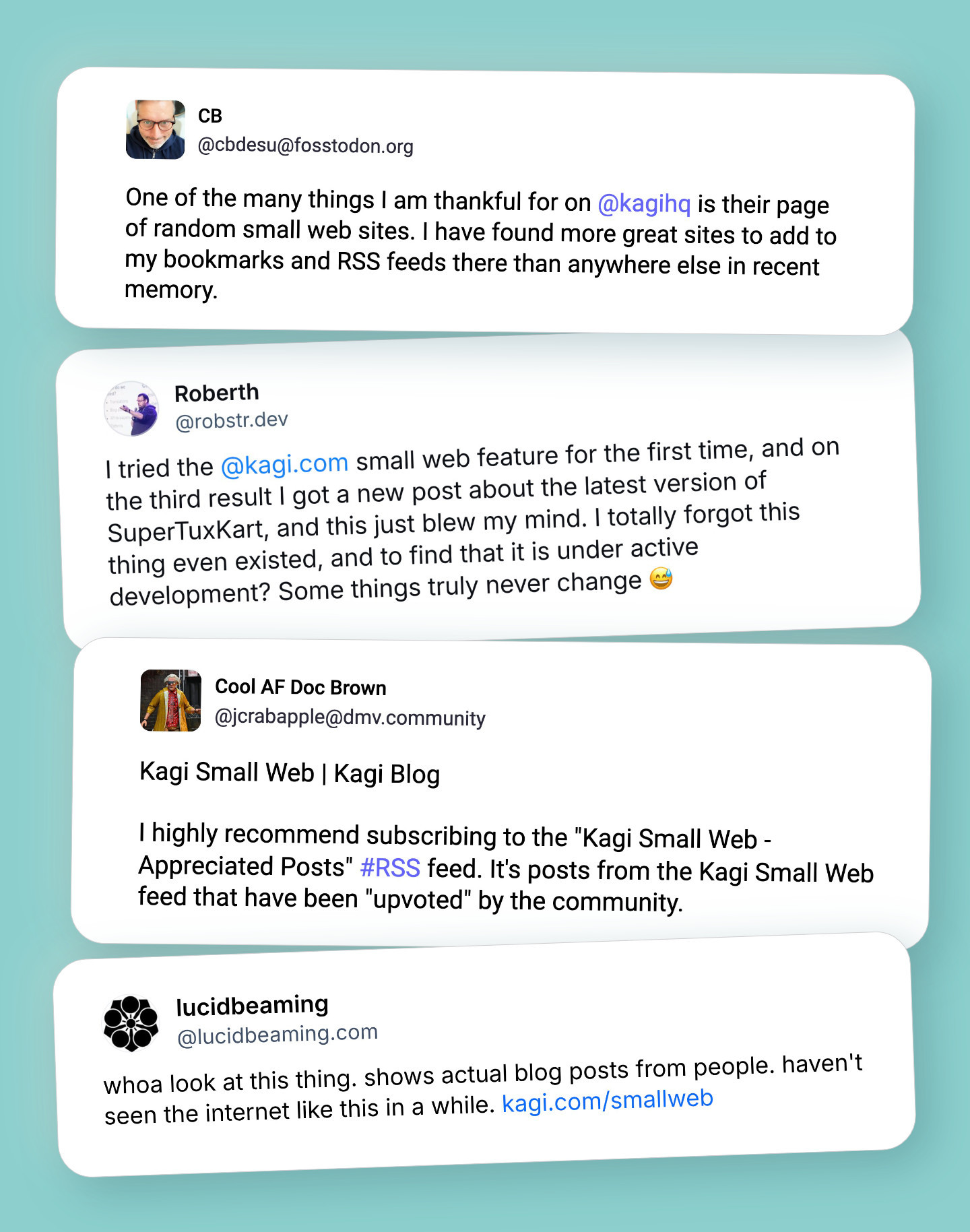
What people are saying about Kagi Small Web
Join the Small Web
Know of a site you think should be part of the Small Web, or want to add your own? Learn how to contribute to Kagi's growing Small Web feed to help people discover something genuinely human-made.
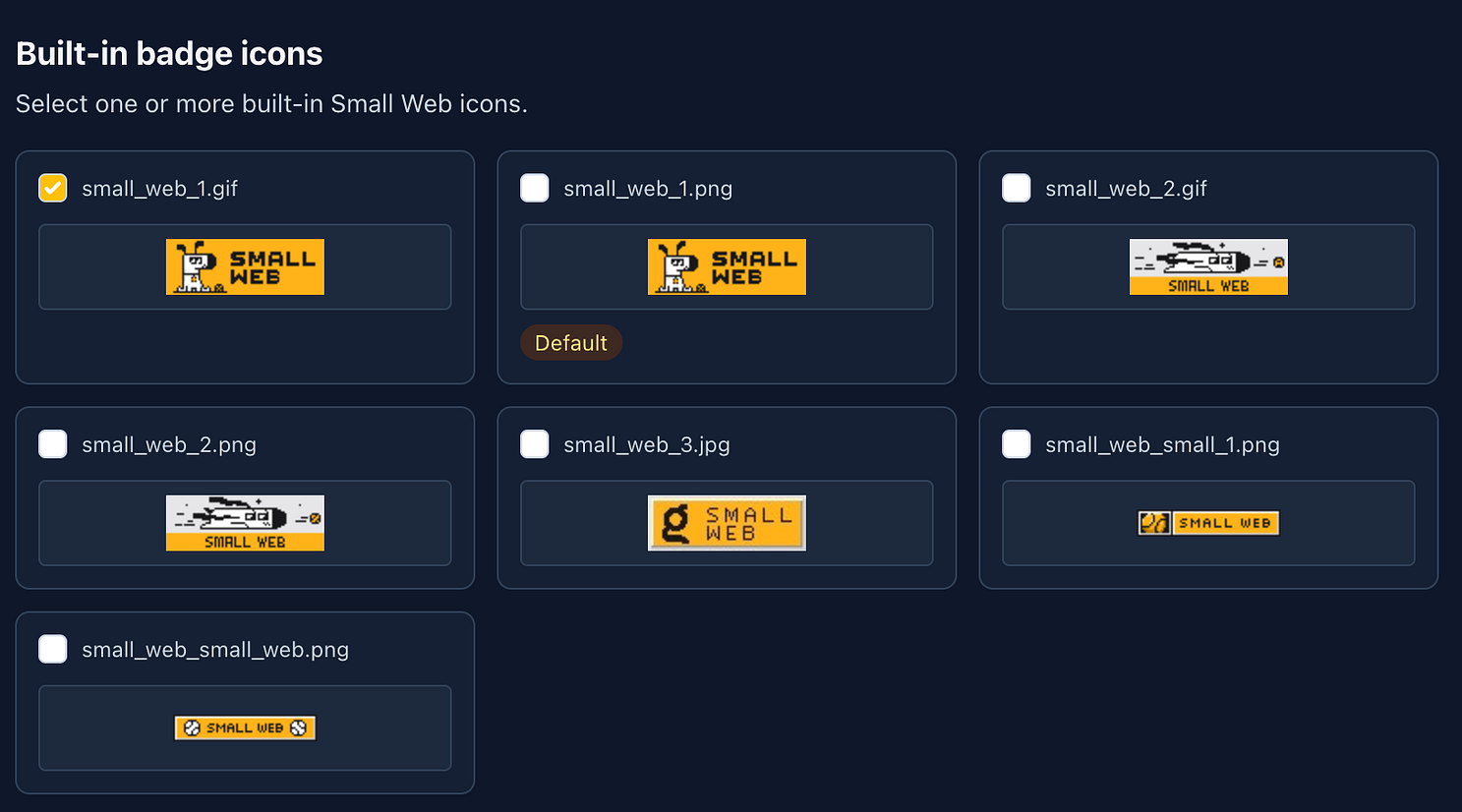
Small Web initiative members can display badges on their websites to identify themselves as part of a community committed to authentic content. Grab them here!
If you're using Scribbles, you can now add Small Web badges directly to your blog footer, just head to the new "Small Web" section in your blog settings:
The Small Web initiative is part of Kagi’s broader commitment to improving search for everyone. As a search engine, we have both the opportunity and responsibility to ensure that authentic human voices don't get lost in the noise.

We hope these new extensions, categories, and apps help more people discover sites they love. Check out the Kagi Small Web today, or download the app/extension and start browsing.