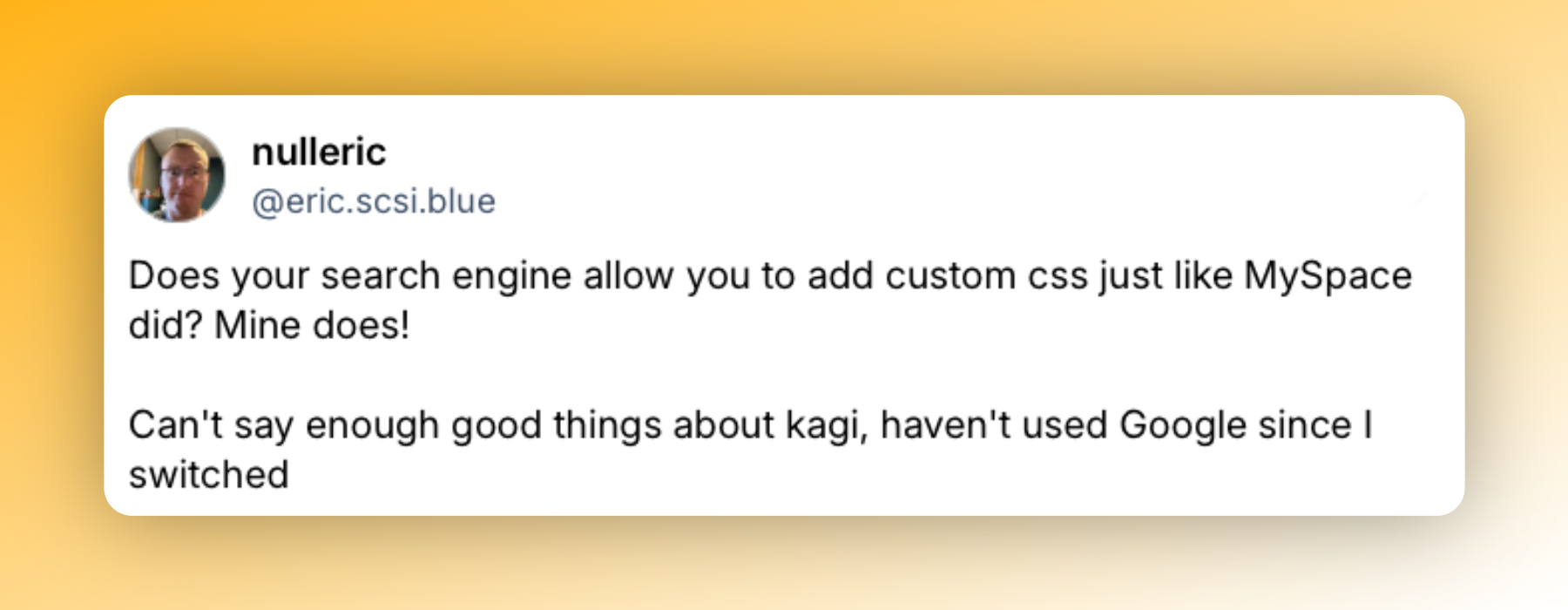
We believe your search engine should feel truly yours. Search is something you reach for countless times a day, so why shouldn't it look and work exactly the way you want? That's why Kagi lets you add your own custom CSS, so you can get creative and search on your own visual terms.
What custom CSS actually lets you do
Custom CSS allows full visual customization of Kagi's search and results pages, with a generous limit of 40,000 characters including whitespace. Because it's plain CSS, you can do anything the language allows (change colors, fonts, spacing, layout) and you can also decide whether an element is shown or hidden.
Applying an existing theme
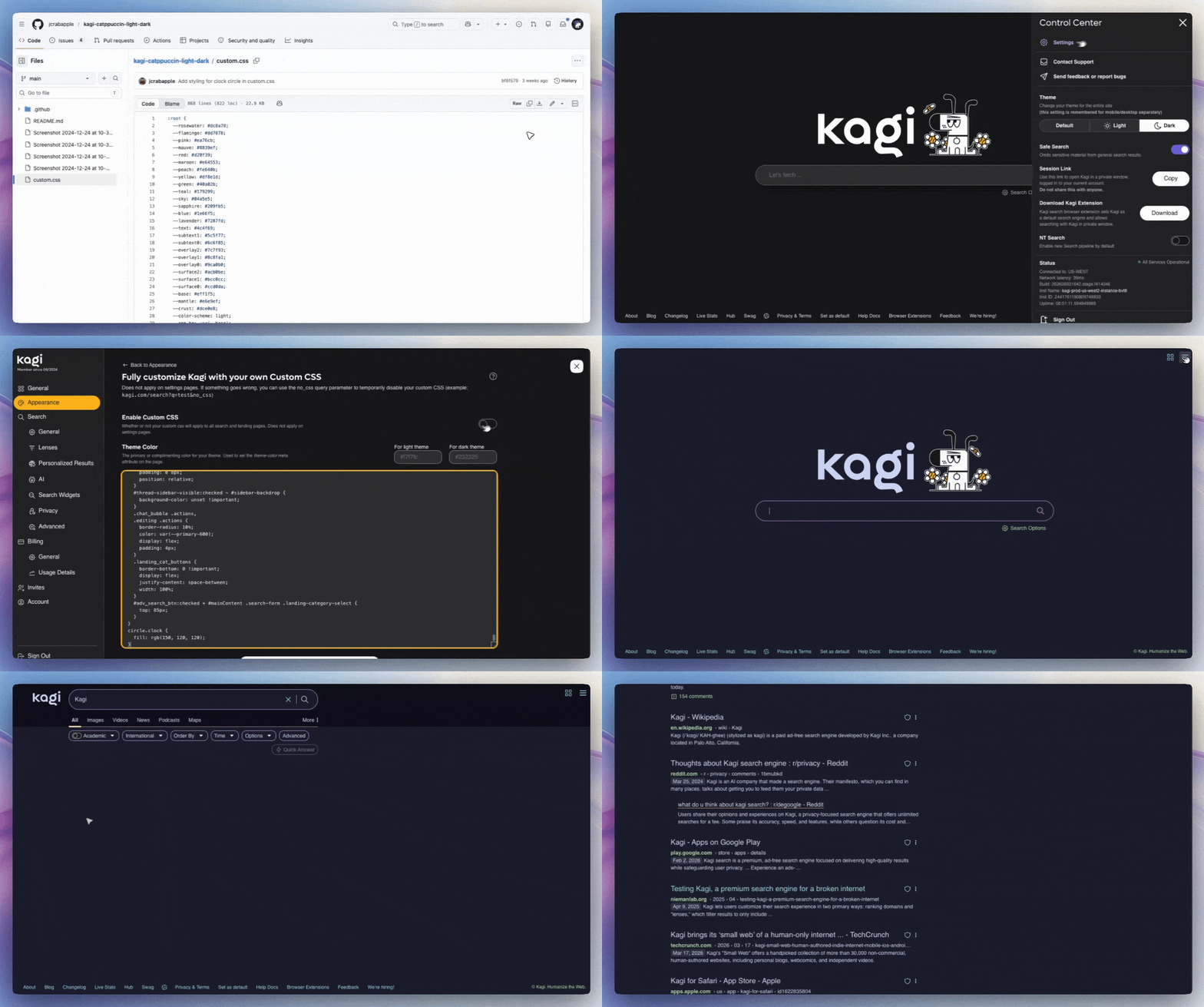
You don't need to write a single line yourself to benefit. Kagi's community has built and shared a whole library of ready-made themes. Applying one is straightforward by going to Settings → Appearance → Custom CSS, copying CSS elements of your preferred theme, pasting, and saving the changes!
A tour of community creativity
| Theme | The vibe |
|---|---|
| Catppuccin Mocha | Soft pastel palette designed for readability without being overly neon, built around a mauve accent |
| Compact Kagi | Tighter spacing and blue links for people who want more on screen at once |
| Kagi Condensed | Another simple CSS theme that reduces spacing, allowing more results to be seen at once |
| Capy UI | Tricorn Black background, Electric Blue accents, a subtle radial gradient, and rounded UI elements |
| OS X Aqua | A nostalgia theme inspired by Apple's classic OS X Aqua look |
| Korp-Net | A Cyberpunk 2077–inspired interface for the sci-fi crowd |
| Liquid Glass | Inspired by iOS 26's "Liquid Glass" aesthetic, this theme gives Kagi Search and Assistant a sleek, translucent glassy makeover |
| Tokyo Night | Ported from the popular Tokyo Night Visual Studio Code palette |
| Kagi Plus | A refined take on Kagi's default look, swapping blue accents for warm Kagi-yellow tones with rounded corners |
| No AI | A custom CSS snippet that strips away all of Kagi's AI features |
| Google-style | Makes Kagi look like classic Google, for anyone who misses Google's interface but still wants to switch search engines |
| Claude | A theme inspired by Claude Desktop, giving Kagi a warm brown and orange dark mode and a soft gray light mode |
| SNQN | A minimalist custom CSS theme with monospace typography |
| Faded slop | Visually demotes AI slop results by making them faded |
| Kanagawa | A custom Kagi theme built on the popular Kanagawa color palette, with warm, muted earthy tones |
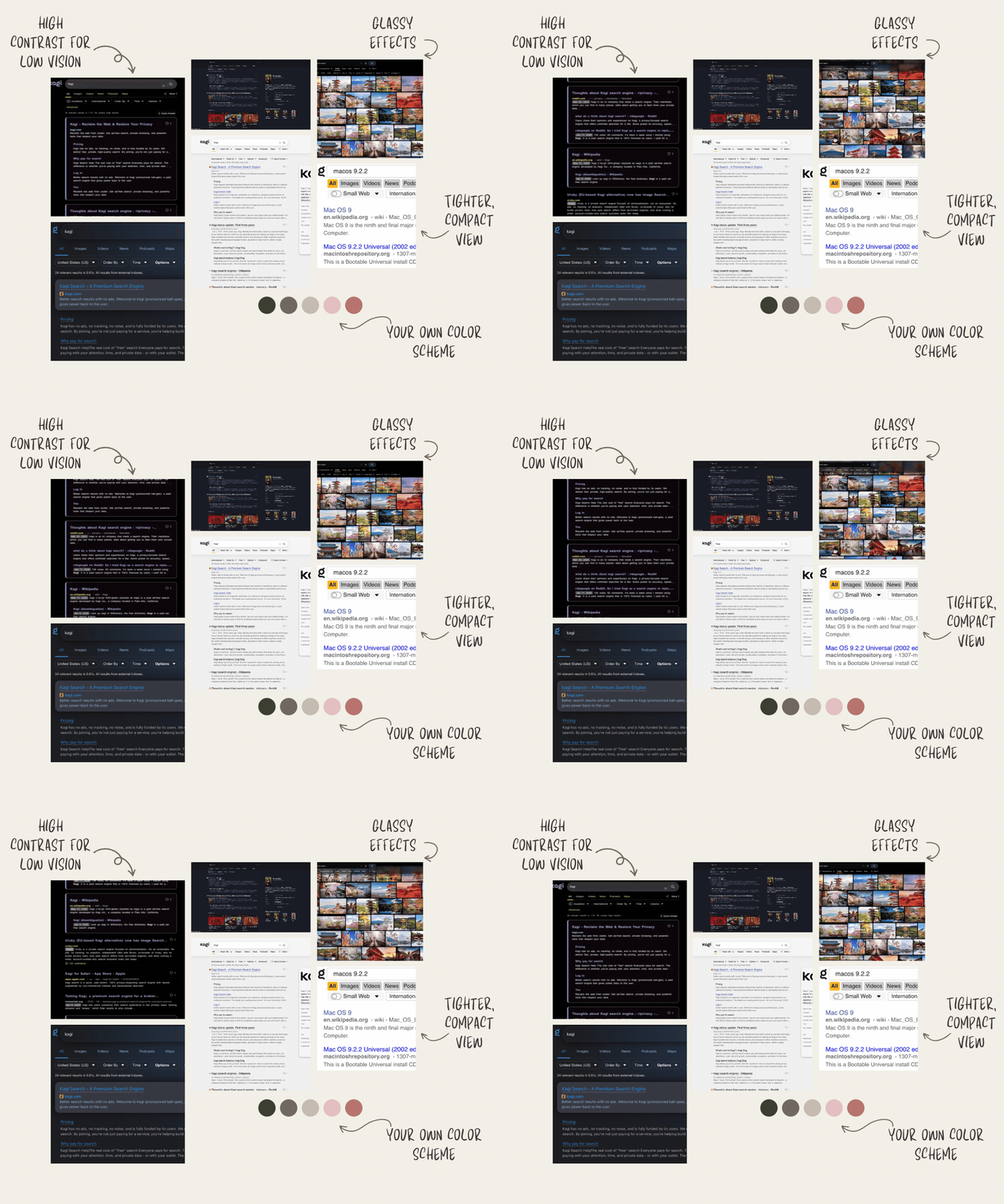
| High Contrast Purple | Designed by accessibility writer Veronica Lewis, this theme dresses Kagi in bold purple tones against high-contrast backgrounds to make search pages easier to read and navigate for low vision users |
You'll find even more community creations scattered across a few spots:
Building your own theme
If you're feeling adventurous, experimenting with your own CSS theme is where it gets fun. You don't have to start from scratch either, a great approach is to grab an existing community theme as your base and start tweaking values to make it your own.
A few tips to get going:
- Start small: Change one thing at a time, a background color, a font, some spacing, and watch how it changes the page. You'll learn the layout as you go.
- Use a safety net: If something breaks badly, just add the no_css query parameter (
kagi.com/search?q=test&no_css) to temporarily disable your custom CSS. - Learn the basics: If CSS is new to you, Kagi's docs point to some useful resources.
- Share and collaborate: Once you've built something you love, you can swap ideas and themes with other tinkerers on the Kagi Discord server and the community-run OpenKagi. You can also tag us on socials so we can amplify your theme for others to enjoy or improve upon!
Why custom CSS themes matter beyond aesthetics
Accessibility is another area where custom CSS proves its worth. For people with low vision or other visual needs, it can mean the difference between a page that's usable and one that's exhausting to read. Veronica Lewis, a subject matter expert in low vision assistive technology who lives with low vision herself, calls the Custom CSS editor her favorite Kagi feature of all:
"My absolute favorite Kagi feature is the Custom CSS editor, which is located within Appearance settings and is available across all Kagi plans."
Her full post on using Kagi with low vision is worth a read.
Make it yours
Your search engine should look and feel exactly the way you want. Grab a community theme, remix it, or build your own from scratch, the endless options await. So go make Kagi yours, and don't forget to share what you come up with!