Kagi Translate is now available as an app for Android and iOS! The mobile release brings the same high-quality, customizable, and private translations of Kagi Translate to your smartphone, making it easy to translate voice, text, and images in over 248 languages while on the go.
Here’s a big new feature: context-aware image translations. Imagine snapping a photo of a road sign or a form and getting both a translation and contextual understanding of what you’re looking at. The Kagi Translate app makes it happen!
Grab the mobile app now (free):
Translate where you are
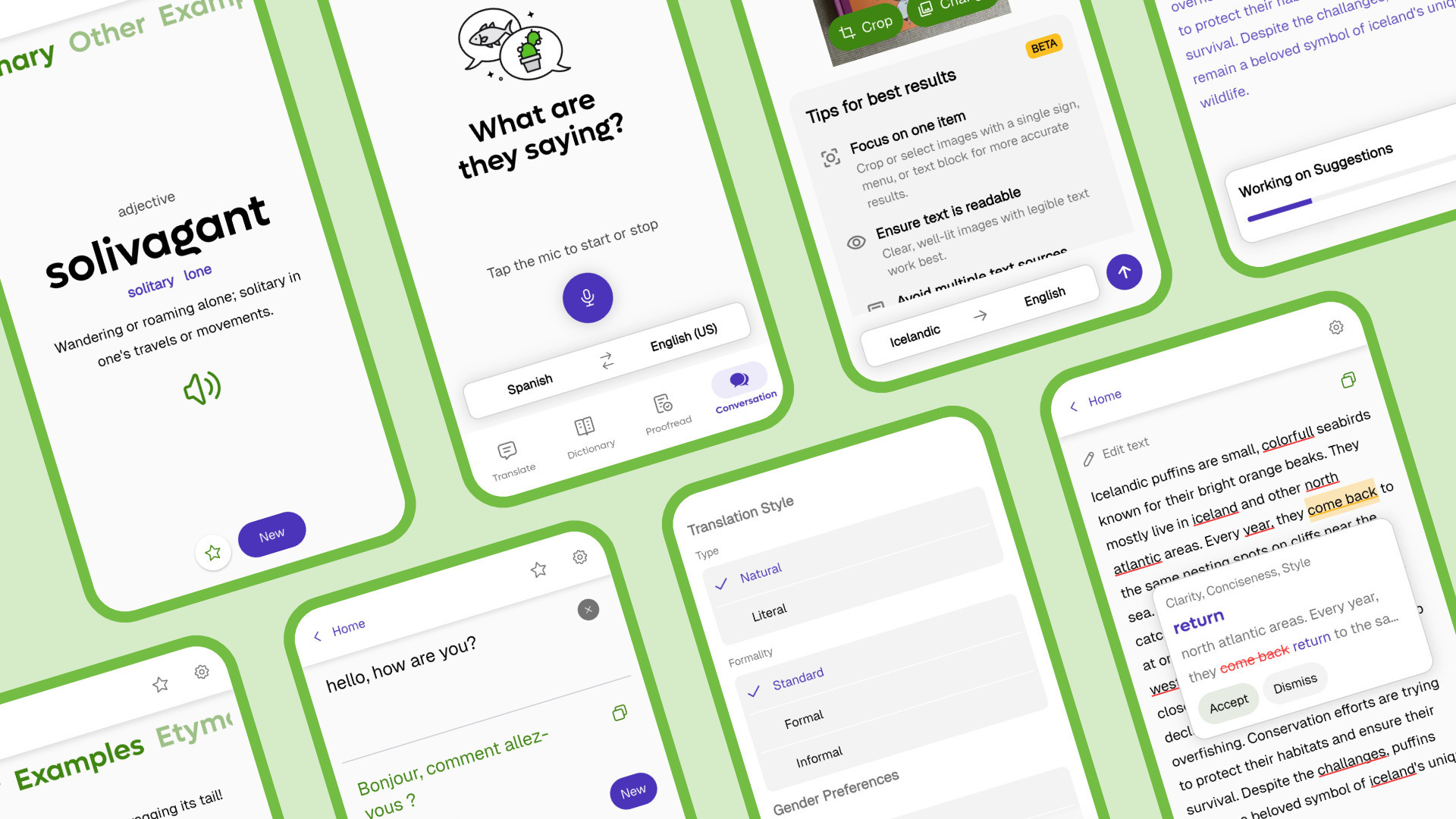
The Kagi Translate mobile app has a lot of the same main features you’ll find in the browser version, including document translations, a rich dictionary with audio pronunciations, and deeply customizable translation settings.
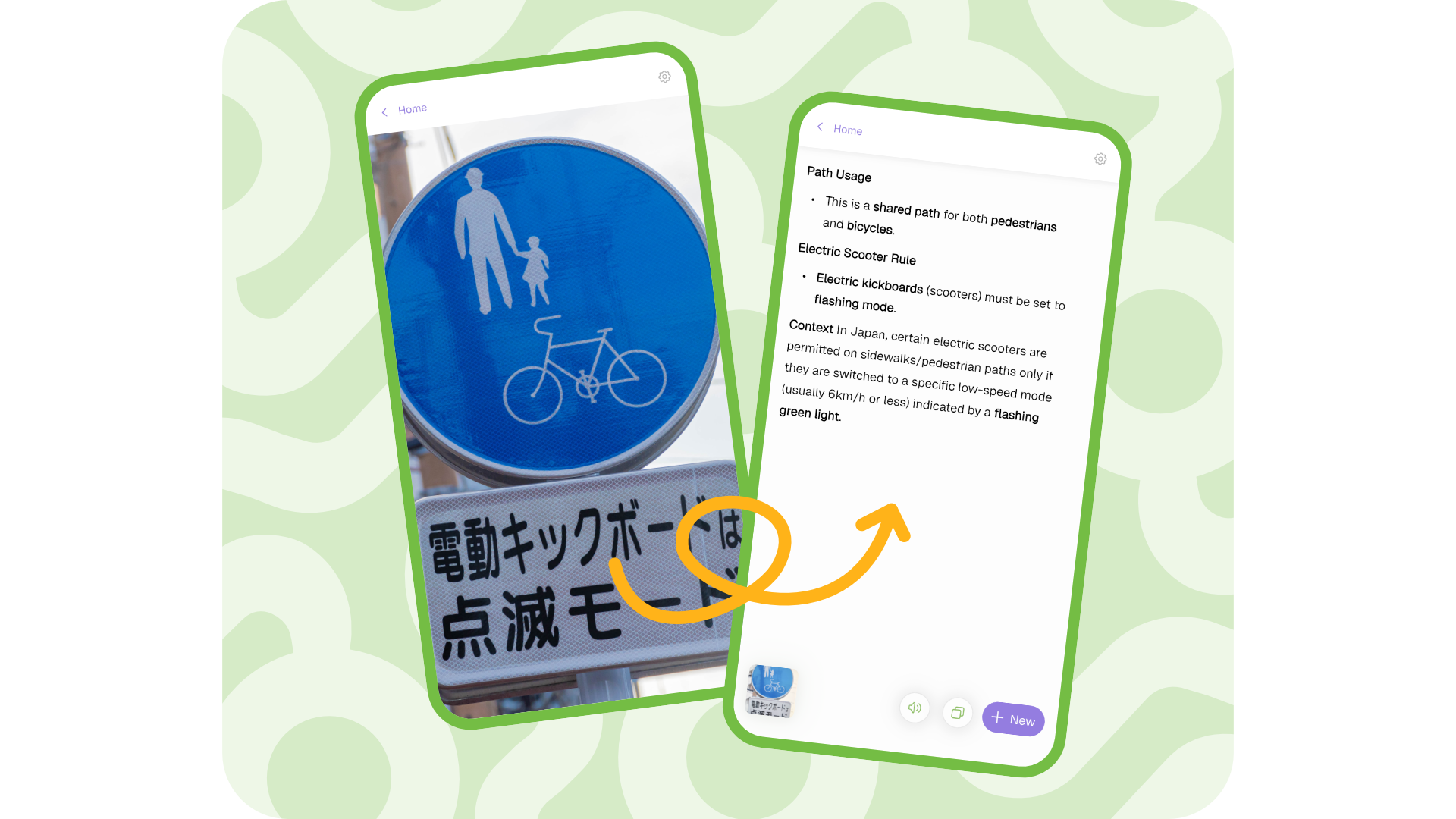
Unique to the mobile app is the ability to upload an image or snap a photo and get a full context-aware understanding of what you’re reading. This goes beyond word-by-word translations and actually interprets images and text together.
Feature highlights:
Translate conversations: Live voice-to-voice translations so you can speak and listen in another language.
Image translation: Analyzes the visual context of images to provide more accurate translations.
Dictionary lookups & Proofreading: Not sure about a word? Need to make sure you’re writing what you mean? These quick checks are just a tap away.
Fully private: As with all Kagi products, Kagi Translate is entirely ad-free with zero trackers.
But also your on-device translation history, the ability to bookmark your translated words and phrases for your regular needs or to help with language learning, and other refinements you'll only find on Kagi Translate.
You can also set Kagi Translate mobile as the default app to use for translations. In iOS, go to iOS settings > Apps > Default Apps > Translation and select Kagi Translate. On Android, select any piece of text and then Translate with Kagi using the overflow menu.
What people are saying
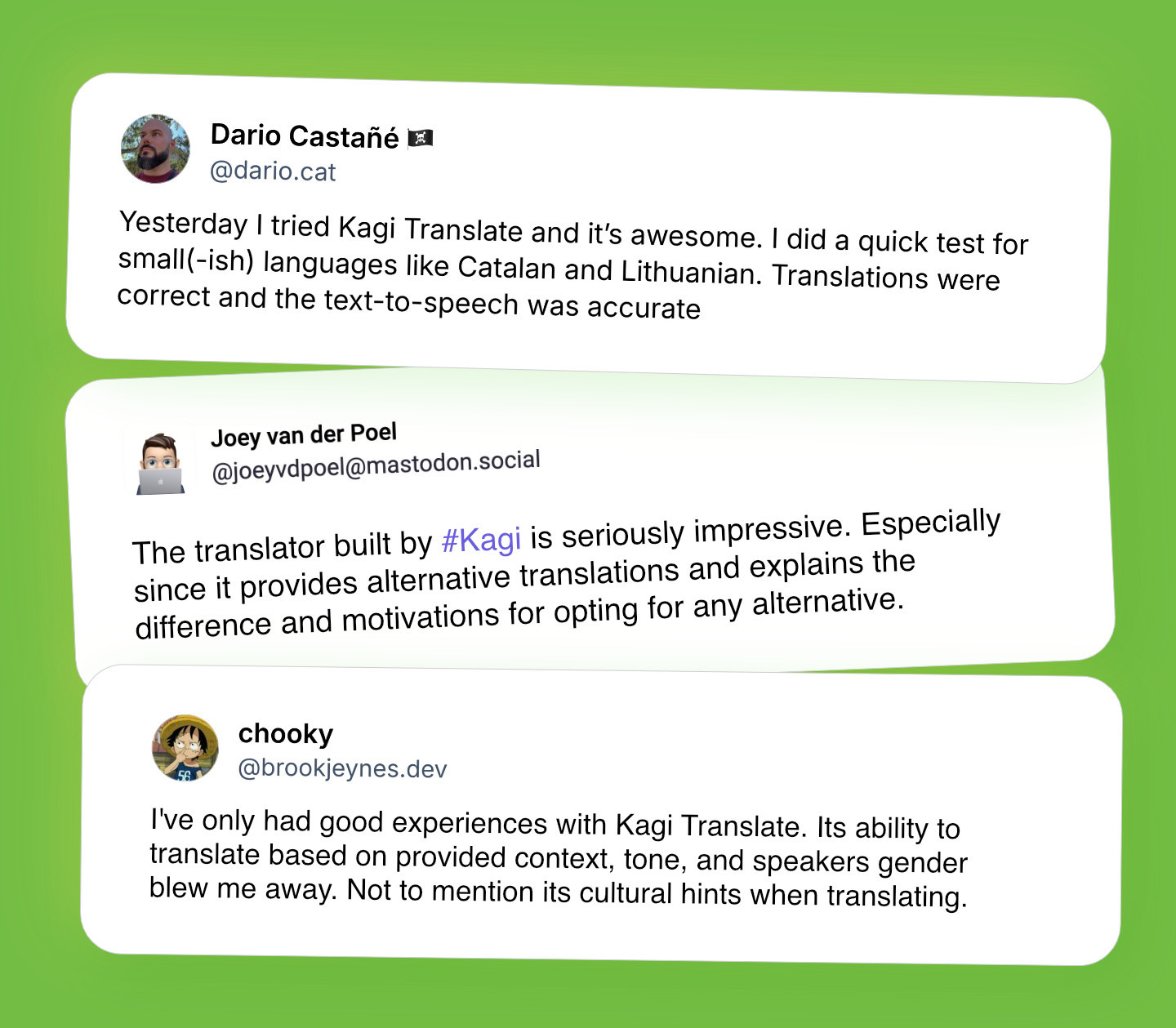
Kagi Translate has already made an impression with users around the world.
Translate where you browse
Since we launched Kagi Translate in 2024, it has continued to evolve with new features, consistent improvements, and support for over 248 languages (on-par with Google Translate, and more than DeepL). We’re grateful for the many testimonials highlighting its unique capabilities and how well it handles everything from slang to specific dialects, picking up on the subtle details that traditional translation tools often miss.
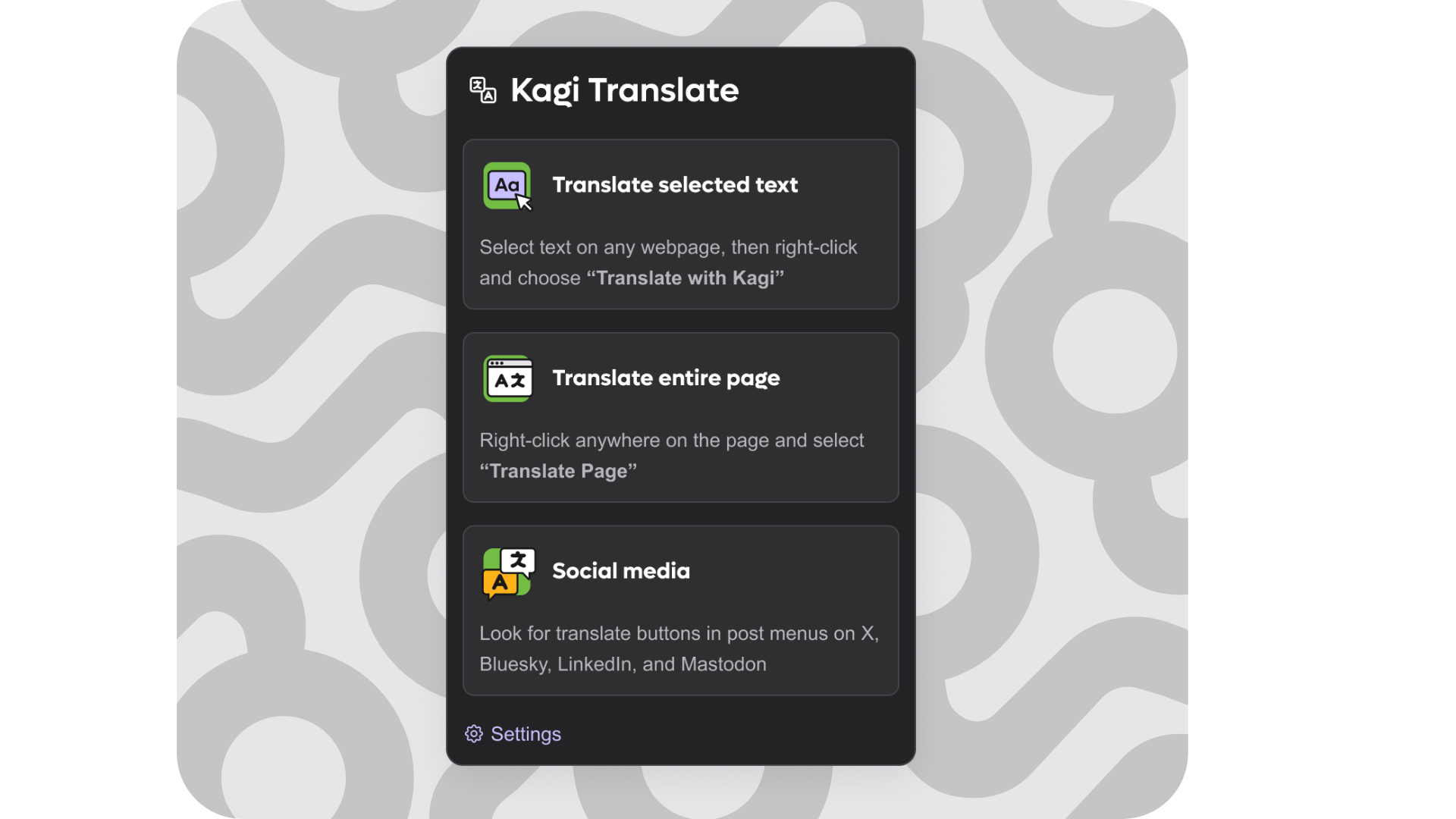
Apart from the mobile apps, in recent months we also introduced the Kagi Translate browser extension, providing in-line integrations with many platforms to make translation seamless wherever you browse. This enables you to translate directly on web pages and various apps without switching tabs or copying text, making multilingual content convenient and accessible.
Let’s get translating
Kagi Translate in both the browser and mobile app forms provides a full-featured free experience for everyone.
Kagi members unlock advanced translation models for higher precision, plus premium features like Best mode for proofreading and translation, document translation, extended context length, and longer text-to-speech or voice input.
Note that some of these features are currently in Beta and will remain free for everyone as we continue development. And as always, you can learn more about Kagi Translate in our help docs, and we’d love your feedback to help us improve it for everyone!
Grab the mobile app now (free):